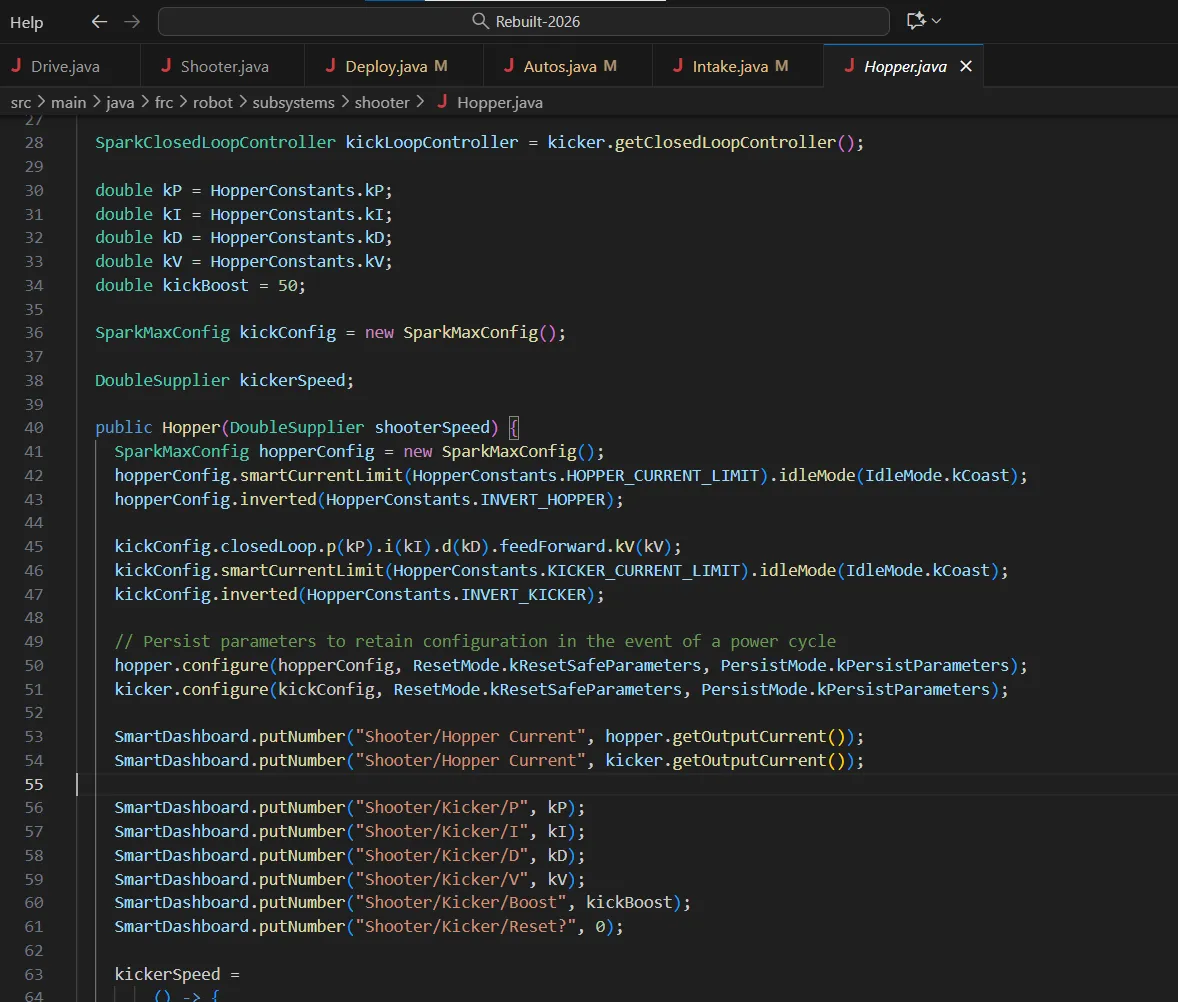
Welcome to FRCSoftware’s learning course! The purpose of this course is to help students learn how to program an FRC robot no matter their skill level.
The progression of the course moves from learning how to write Java to programming robots of increasing complexity.
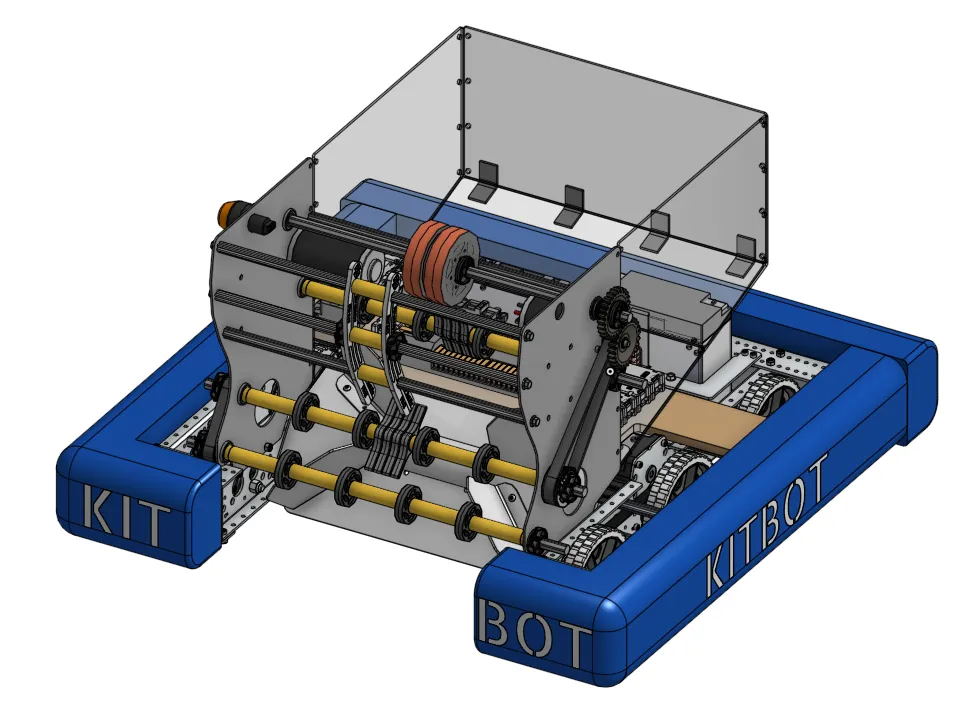
We start individual mechanisms of robots, using the FRC Kitbot, then move to more complex robots.
Software in FRC is always changing! If you want to give feedback or have comments, feel free to do so through our
Github
or
Discord.
Course Setup goes over downloading the tools needed to complete the
learning course, as well as how to navigate and use them. This is a
great place to start if you’re new to FRC Programming.
Required Tools:
Download the tools needed for this learning course.
VSCode Overview:
Learn more about VSCode, the code editor used for this course.
Forking and Cloning:
Learn how to use git to fork and clone. This is important for
accessing templates that are used throughout the course.
Stage 0 covers the basics of Java that is needed to program the Kitbot,
a simple FRC robot. This include:
Stage 1 is where students start to program Kitbot. In the first half,
students learn the basics of the FRC coding structure through using just
the Robot class. During the second half, students implement Command
Based Programming, a file structure for programming FRC robots.